Android 17 Beta: New Looks, Smoother Moves, and More Ways to Change Stuff
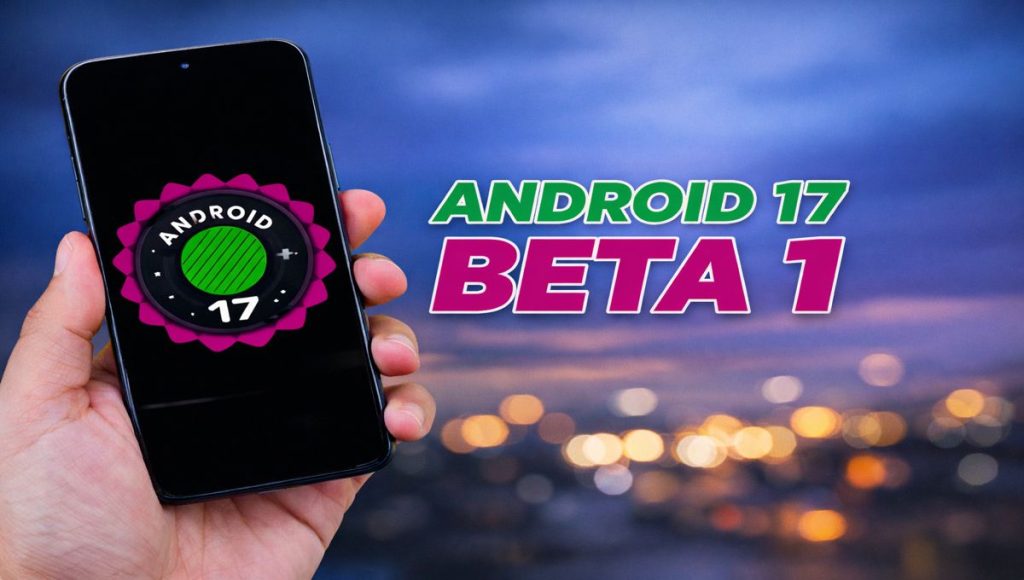
Google just put out the Android 17 beta. Honestly, even though it’s super early, it’s already looking way better. It’s just a bet, as I know… but they’re really trying to make theanimations feel less janky . Everything just feels way cleaner. The changes are small but man, it makes using your phone feel totally different.
Home Screen Changes
The biggest thing you’ll notice is the home screen. The search bar widget has way more options now. You can change the colors, adjust how see-through it is, and choose light or dark modes. You can even set up shortcuts right in the settings, so if you want to find a song or use AI search fast, it’s just there.
They also finally let you mess with widgets that used to be stuck on the screen. Now you can just turn them on or off, which is great because it makes the screen feel way less crowded and just more… you.
Better Animations
The way things move feels way smoother now. Switching between apps and menus doesn’t have that weird lag anymore. Even little things, like opening a menu, have these nice movements that make the phone feel more polished. Honestly, it’s pretty satisfying.
Android 17: new control center and settings stuff
The control center looks pretty different now. The brightness bar is wider, so it’s way easier to slide around with your thumb. Also, the quick-setting tiles feel smoother when you move them. There are these new animations when you pull the menu down, too. It feels modern but not too complicated. Just feels right.
You can basically put the tiles wherever you want. Dragging them around feels a lot more natural, honestly. It’s just easier to set up your shortcuts. Small stuff, sure… but it makes using the phone every day feel way better.
How the volume and settings look now
The volume slider got a makeover, too. It’s cleaner, and the animations are just… better. The settings menu is way more organized now. Your account info is right at the top, and everything else is grouped so it’s not a total mess.
They also added more security and privacy stuff. Better ways to verify it’s actually you. It shows they’re really focusing on safety in this beta.
Android 17 themes and customizing
Changing how things look is still a big deal. They got new theme packs, updated icons, and some ai wallpaper stuff with live effects. It’s pretty limited right now since it’s just the first version, but i guess we’ll get more options in the next beta updates soon.
Android 17 small stuff that works
Besides the big ui changes, they added little tweaks too. The screen recording looks better, and the system panels feel cleaner. Maybe they seem small on their own, but together it just feels smoother and more modern. Honestly, it’s a nice touch.
thoughts on android 17
Basically, it feels like they’re just fixing things up instead of changing everything. Better animations and easier tools show where Google is heading. It’s smarter and just feels more… I don’t know, flexible? I’m sure we’ll see way more features once the next beta versions actually come out.
https://himanshuswami.co.in/honor-magic-8-pro-air-slim-design-dimensity-9500-power/ read this blog